When to prototype in Figma and when to design in the browser
Use Figma vs browser prototyping as a split: Figma for structure and options, the browser when type, motion, and real content decide the question.
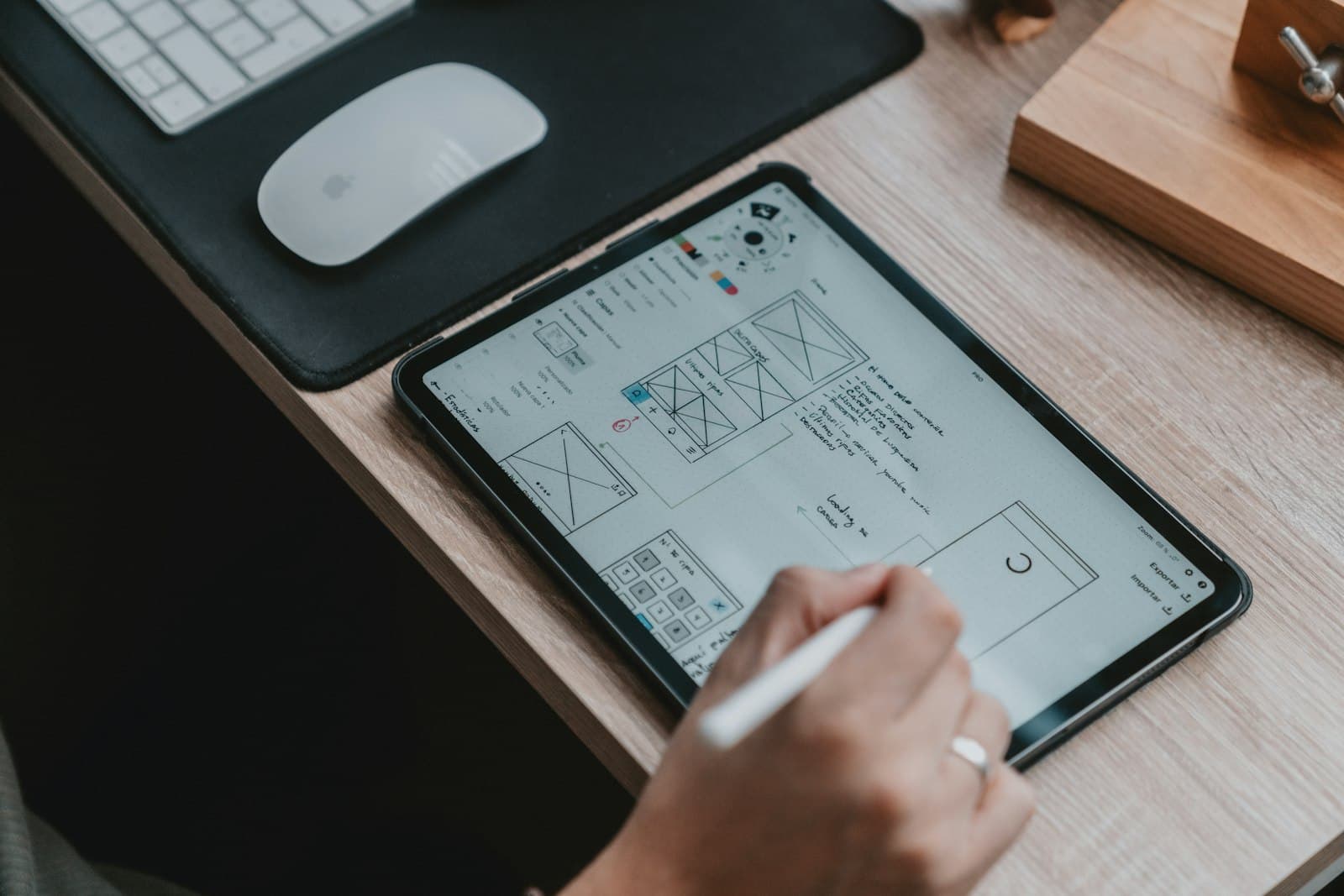
Figma vs browser prototyping is a choice about what the decision depends on. Use Figma when you are still choosing structure, flow, and options. Move to the browser when type, motion, real content, or the page's actual behavior would change the answer. Hanabi works in both: Figma for the shape of the product, and production code in Next.js and React when the thing has to behave.
Neither tool is a personality. Teams waste weeks arguing about purity. The useful question is narrower. What are you trying to learn this week, and which surface will tell you the truth sooner?
Stay in Figma while the structure is still moving
Figma is the right room for alternatives. You can place three navigations side by side. You can walk a flow with a founder and rearrange the steps before anyone has named a component. You can try a quiet version and a dense version of the same job without touching the repository. That speed is the point. Use it while the decisions are still structural.
A structural decision sounds like this. Which object is primary? Does this step exist? Is the action on this screen or the next one? What can a new person see first? Those questions survive a change of font. They do not need a production build to answer. A clickable frame, with honest labels, is enough to watch someone get lost.
Keep the Figma file boring on purpose. One type scale, one set of colors, real words instead of lorem, and frames at the widths you actually support. A file full of visual experiments hides the structural question. If you need a visual experiment, put it on a separate page and label it as taste, so it does not leak into the flow you are testing.
Figma is also the right place to throw work away. Deleting a frame is cheap. Deleting a route that other people have already wired to data is a negotiation. Do the deletion in the file, while the cost is still a conversation.
Invite the engineer into that file before the structure "locks." They will see a step that the current data cannot support, or a state the API already returns that the frames forgot. That conversation is still design. A file that only designers open becomes a poster the build has to reinterpret.
Move to the browser when reality can change the call

Some decisions are invisible in a static frame. Type is one. A line that fits in a mock with a short fake name will wrap, or overflow, or collide with a button when the name is "Northwind Consolidated Holdings." The browser, with a real or realistically long string, settles the argument in a minute.
Motion is another. A transition that feels calm in a prototype tool can feel slow, or seasick, or pointless once it runs against a real scroll and a real tap. The sibling question, what motion is for, matters here. Build the move in the browser, in the real component, and watch it beside the content it is supposed to explain. If it explains nothing, remove it before anyone polishes the curve.
Layout stability is a third. Google's Core Web Vitals describe cumulative layout shift as the amount a page moves after it starts appearing, and treat a score under 0.1 as the good range. A Figma frame does not shift. A browser page does, when images arrive late, when a banner injects itself, when type loads a second face and reflows the headline. If the decision you are making is "does this feel steady," only the browser can host it.
The same is true of the other two vitals, in plain terms. Largest Contentful Paint asks whether the main content shows within 2.5 seconds. Interaction to Next Paint asks whether a tap gets a response within 200 milliseconds. You cannot judge either from a picture of a screen. You can judge them from a staging page with realistic images and a slightly tired phone.
Real components are the last push. Once a button, a field, and a list exist in code, designing the next screen as a detached painting creates a second product. Compose the next idea from those components in the browser. You will discover which component is missing and which one you only thought you needed. Tailwind, used as a working set of spacing and type decisions, makes that composition fast without inventing a new visual language on each branch.
Content from production, or a faithful copy of it, belongs in this stage. Empty-looking data, very long data, and data in the wrong state are design inputs. A browser prototype with one perfect row is just Figma with extra steps.
A simple rule for the week
At the start of a piece of work, write the decision on the ticket. Then pick the tool from the decision, not from habit.
- Structure, options, or a flow you expect to throw away: Figma.
- Type, motion, shift, speed, or real content: the browser.
- Both, in that order, when you have not settled the structure and you already know the final check is behavioral.
Skip the browser when a production detour would freeze a decision you are likely to reverse tomorrow. Skip Figma when the only remaining question is how the existing component feels with real type. Building a pixel-perfect mock of a component you already have is duplication. Open the component.
Also skip a third tool unless it answers something neither of these does. A slide deck is a poor prototype. A whiteboard is a fine place to start the structural conversation, and a poor place to end it. Photograph the board, then put the surviving structure into Figma or code so it can be walked again tomorrow.
Hanabi's practice is to switch on purpose. Early frames live in Figma. The work that will ship is designed again, in small ways, once it is in the browser, because that is where the type and the motion tell the truth. The second pass is not a failure of the first. It is the point of changing rooms.
How to prototype in the browser without making a mess

Browser design goes badly when it means "start coding the final architecture while we think." Keep the prototype on a short leash.
Use a staging route the public cannot wander into. Compose with existing components. Hard-code realistic content if the data is not ready, and mark it as stand-in so nobody ships the fake names. Limit the prototype to the one flow under decision. Resist adding settings, accounts, and the rest of the app "while you are in there."
Give the prototype a deadline. "We will decide on Friday whether this navigation stays." Without a deadline, a coded prototype becomes a stealth product, half-finished and awkward to delete. Deleting a staging route should stay easy. If it is not easy, you have left the prototype and entered a build. That can be the right call. It should be a conscious one.
Review it the way you would review a design, against the job, on a phone, with one person who did not write the code. A prototype that only the author has clicked is a private opinion with a deploy step.
Write down what you learned in a few lines on the ticket. "Long names wrap under the button. We will put the button on its own row." That note is the reason you left Figma. If you cannot write the note, you may have switched tools out of restlessness. Go back to the question on the ticket before you keep building.
When the browser pass includes motion, judge the motion by whether it shows a relationship or a state. Motion that helps, and motion that gets in the way is the next piece if that is the decision in front of you.
If you want the structure and the production interface from the same studio, start with Hanabi's services. Bring the decision you are actually trying to make this month. The tool follows from that, and so does the shape of the engagement.
Frequently asked questions
When is Figma the right prototype?
Use Figma while you are choosing structure, comparing options, or expecting to throw a flow away. Questions about which object is primary, or whether a step exists, do not need a production build. Keep the file plain, with real words, and invite an engineer before the structure is treated as final.
When should design move into the browser?
Move when type, motion, real content, or layout shift would change the answer. Long names wrap, pages move as images and fonts arrive, and layout shift only shows up on a real page. Compose the next idea from components you already have, on a staging route.
How do I keep a browser prototype from becoming a mess?
Limit it to one flow, mark stand-in content, and give the route a decision date. Review it against the job, on a phone, with someone who did not write the code. Write down what you learned. If you cannot name the lesson, you may have switched tools out of restlessness rather than a real question.
Sources and further reading
- Core Web Vitals, Google Search Central
Written by
Hanabi
Hanabi is a product design and web development studio. The studio writes about clear websites, brand systems, and product interfaces for founders.