A mobile-first redesign for desktop-first teams
Start a mobile first website redesign from the phone the founder actually checks. Decide what is cut, what stacks, and what stays easy to tap.
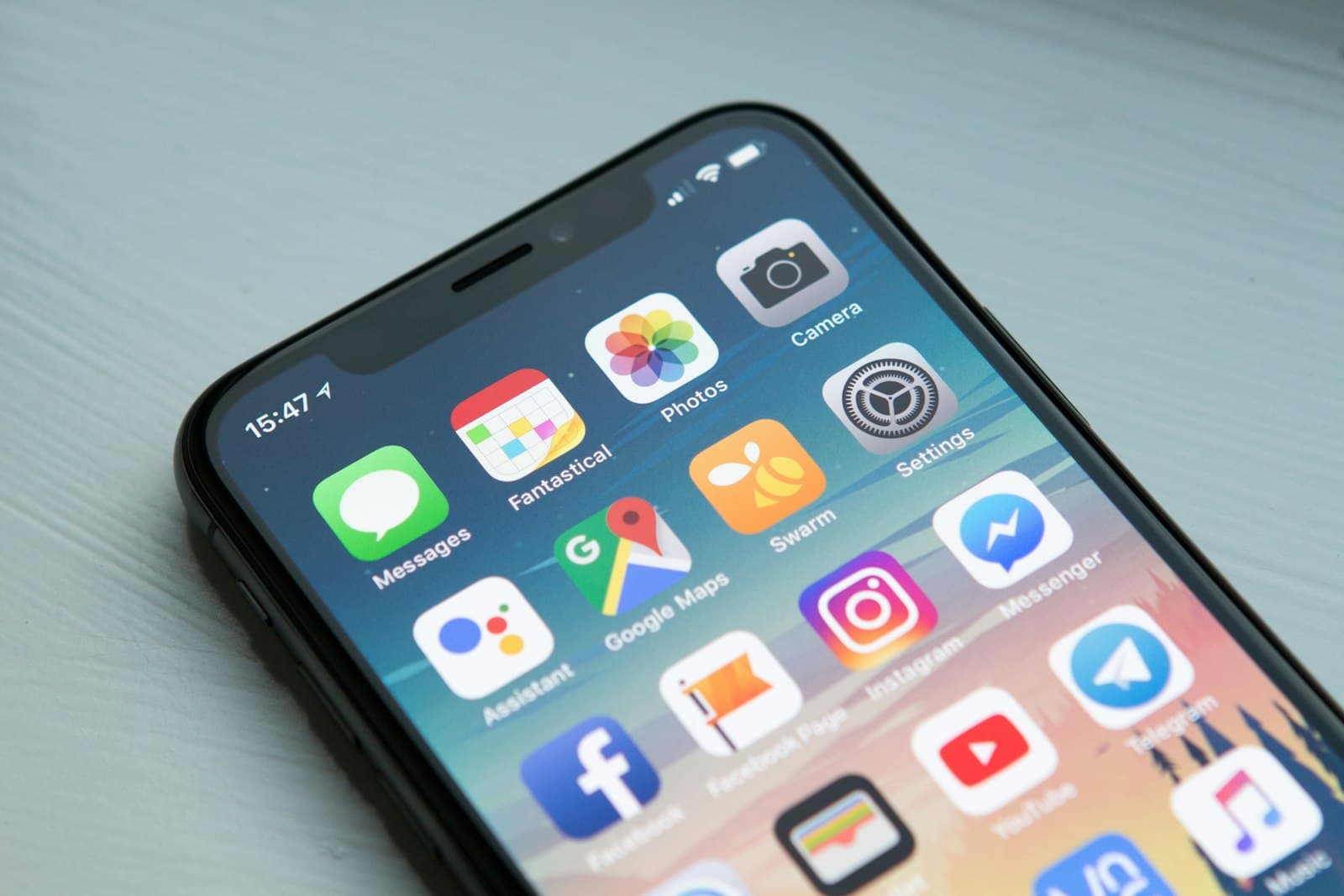
Start a mobile first website redesign from the phone width the founder already checks. The desktop layout is a later arrangement of the same decisions. What gets cut, what stacks, and what stays easy to tap are the work. A shrunk desktop page is the thing you are replacing.
Desktop-first teams get here honestly. The monitor on the table is wide, the design file opens wide, and the phone is a frame at the edge of the artboard that someone adjusts on Friday. The link you send a customer is opened on a phone in a hallway. The redesign should begin in that hallway.
Design the first screen at phone width
Open a narrow frame first, around the width of the phone in your pocket. Put the name, the offer, and the one action in that frame. If they do not fit, the offer is too long or the action is competing with something else. Cut before you scroll the problem away.
The first screen on a phone has room for a short headline, a sentence, and a button. Proof can begin just below. A full navigation bar, a video, and three equal offers will not coexist there without one of them losing. Choose. The desktop version can reveal more because the width allows it. It should not introduce a different company.
Read this frame out loud. If you need the wide layout to explain the product, the explanation is still unfinished. Add a concrete noun, not a second illustration. The phone is strict in a way that helps the writing.
Lock this frame before anyone opens a 1440-pixel artboard. Once the wide file exists, the team will negotiate by adding things back. The narrow frame is the constraint that keeps the offer intact.
Decide what is cut

A mobile-first redesign is a subtraction project. Take the current desktop homepage and mark every block with one of three labels: keeps the offer, supports the offer, or decorates the offer. The first label stays in the opening. The second can follow. The third has to argue for its place.
Cut repeated claims. If the hero says you build calm websites and the next three sections repeat the adjectives, the phone page becomes a corridor. One example beats three slogans. A single project, named, with a sentence about what it is, will do more than a strip of logos that cannot be read at that size.
Cut fields. A contact form that asks for company size, budget, timeline, and a paragraph will lose people who would have sent two sentences. Ask for the name, the email, and the question. You can learn the rest on the call.
Write the cut list down and keep it next to the file. Stakeholders will ask for a block to return. The list is how you answer with the reason it was removed, instead of with a shrug that turns into a taller phone page.
Decide what stacks
Stacking is the order of the page when there is only one column. That order is the argument. On a wide screen, a picture can sit beside a paragraph and the eye can take them together. On a phone, one of them comes first. Choose the one that carries the meaning.
Pictures of the product or the work usually lead when the thing is visual. The sentence leads when the picture is atmosphere. A decorative image above a long fold, with the offer underneath, is how a phone page wastes the opening. Put the offer where the thumb arrives.
Navigation stacks into a short list or a small menu with the primary action still visible. Do not hide the only way to talk inside an icon and also make the icon hard to recognize. The pages a person needs, in the words they would use, are enough. A footer can hold the legal and the secondary routes.
Tables are the usual casualty. A comparison grid that works on a desktop becomes a sideways scroll on a phone, which people will not complete. Restack each comparison as a short group: the choice, then the few facts that differ. If there are more than a handful of rows, the phone page is telling you the desktop table was doing too much.
Test the stack by reading only the headings in order. They should tell the story without the body text. If they do not, the order is decorative and the phone visitor will feel it as a pile.
What has to stay tappable

The primary action, the menu, and any choice that changes the page need to be usable with a thumb, without striking the neighbor. Leave space. Give the control a visible label. A word works harder than a mystery icon when the target is small and the person is moving.
The W3C's overview of WCAG 2 is the standard to design against, and it is explicit that WCAG applies to web content on mobile. The guidelines sit under four principles: perceivable, operable, understandable, and robust. Operable, on a phone, means the person can reach and use the controls. Understandable means the label says what will happen. Perceivable means the text does not depend on a wide window to become readable. You can take those principles seriously in the layout without claiming that a review equals certification.
web.dev asks you to judge Core Web Vitals at the 75th percentile of page loads, segmented across mobile and desktop. A redesign that was polished on a wide monitor and checked once in a desktop lab has not met that bar. Load the phone page on a normal connection. The largest element should arrive within 2.5 seconds, the page should respond to input within 200 milliseconds, and the layout should stay within a shift of 0.1. If the hero is a full-bleed video that delays the offer, the phone design is still desktop thinking.
Tap every control yourself, walking, with one hand. The ones you miss are the ones to enlarge or to separate. A control that only works when the phone is flat on a desk has been designed for a screenshot.
Review it on the phone before the desktop file wins
Hold the review in the narrow frame. Project the phone, or pass a device around, before you show the wide composition. People approve what they see first. If they see the desktop, they will ask the phone to preserve every block, and you will be back to shrinking.
Use a short list in that review:
- The offer and the action fit the first screen without pinching.
- Anything cut was decoration or a repeat, and the team can say so.
- The stack order still makes sense if you never see the wide layout.
- The primary controls are easy to hit, named, and still the same action as on the desktop.
- A real phone, on a normal connection, can load and use the page inside the Web Vitals thresholds.
The desktop design then inherits these decisions. It can use the extra width for a second column, a larger crop, or a calmer spread of the same sections. It should not smuggle back the blocks you cut.
Before launch, run the same phone pass as a formal review, with the brief in the room. The companion piece is how to review a redesign before it ships.
If the phone layout is the part of the current site you trust least, that is a clear scope for a studio. Hanabi's services include marketing sites and product interfaces designed and built together, starting from the screen people actually open.
Frequently asked questions
What belongs on the first phone screen?
The name, the offer, and the one action. If they do not fit, shorten the offer or remove a competing block. Proof can start just below. A video, a full navigation bar, and three equal offers will crowd out the sentence the person opened the link to read.
How do we decide what to cut?
Mark each wide-layout block as keeping the offer, supporting it, or decorating it, then keep the first in the opening and let the second follow. The third has to argue for a place. Repeated slogans, and form fields you will not use on the call, are the usual cuts.
When should the desktop layout be designed?
After the narrow frame is settled. People approve what they see first, and a wide artboard will invite every cut block back. The wider version can use the extra room for a second column or a larger crop of the same sections. It should carry the same offer, not a busier one.
Sources and further reading
- WCAG 2 Overview, W3C Web Accessibility Initiative
- Web Vitals, web.dev
Written by
Hanabi
Hanabi is a product design and web development studio. The studio writes about clear websites, brand systems, and product interfaces for founders.