How to design an MVP that feels finished
MVP design feels finished when one workflow is polished, including the empty screen, the error, and the success. A wide product with rough edges does not.
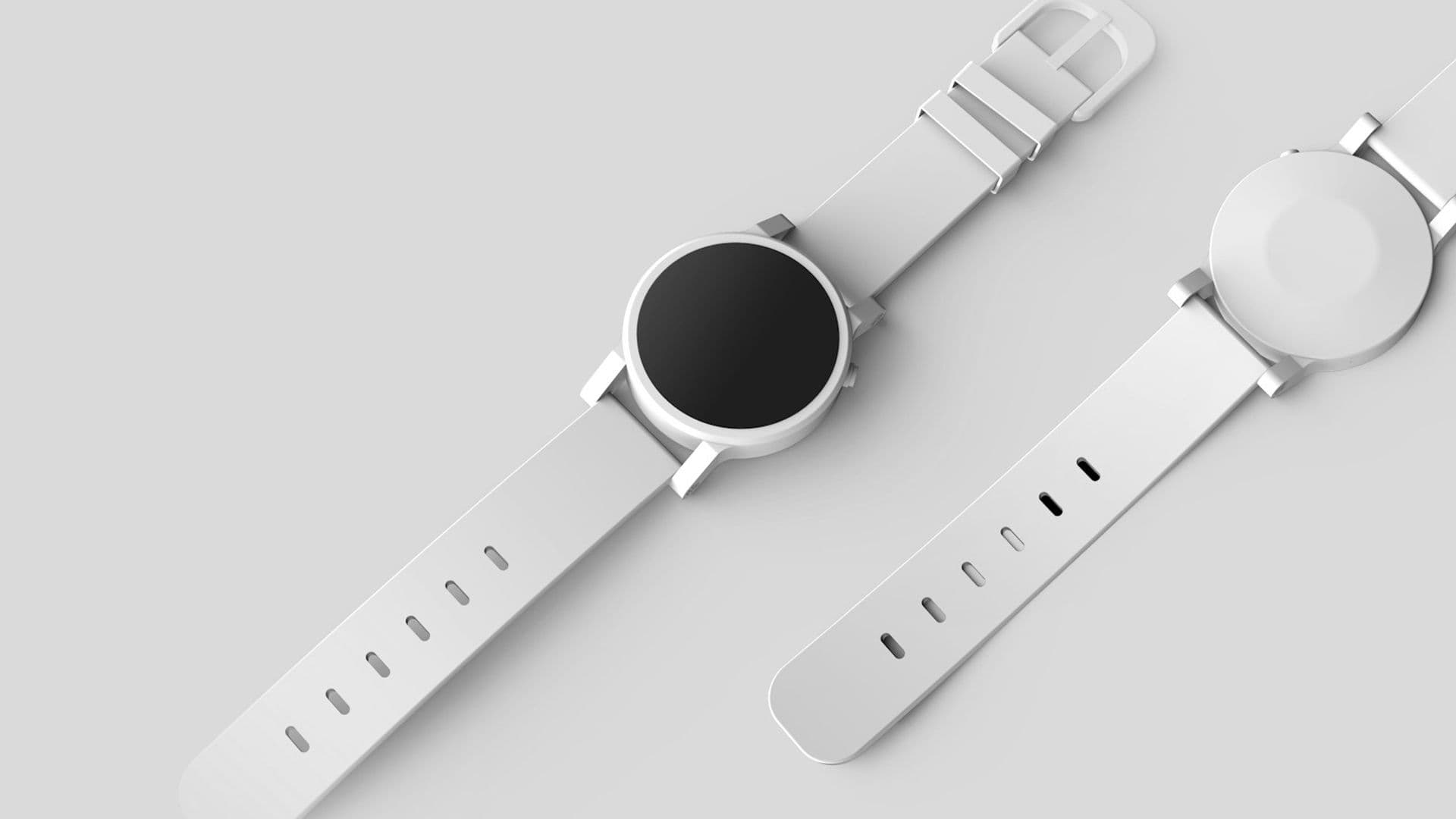
An MVP design feels finished when the narrow path is polished and the wide path does not exist yet. Empty, error, success, and the one workflow should look as considered as a product you would ship to a stranger. A broad product with rough edges on every screen feels unfinished even when the feature list is long.
Founders often hear "minimum" as permission to leave the seams showing. The minimum is the scope. The finish is the care on that scope. People will judge the product by the path you actually gave them, and they will not read a guide that apologizes for it.
Finished means one path, fully dressed
Pick the workflow a new person must complete to get the value you promised. For a lead tool, that might be "add a person and record the next step." For a trading concept, it might be "see the position and know whether to act." Everything outside that path can wait. Everything on that path needs a designed state.
The states are few, and they are the product:
- The first opening, when there is nothing to show.
- The work itself, with real or realistic content.
- The success, which says what just happened and what is now true.
- The failure, which says what broke and what to do next.
- The return visit, when the person comes back tomorrow and the screen should still make sense.
If those five moments are clear, the product feels finished. If the happy path is pretty and the other four are browser alerts, the product feels like a demo. Demos are fine in a private meeting. They are a poor thing to hand to a customer.
Nielsen Norman Group has reported that people have time to read only about a quarter of the text on the pages they visit. A help article cannot carry the path. The screen has to. That is why finish lives in the interface, not in a doc you hope they will open.
Unfinished is a wide product with rough edges

The opposite shape is easy to recognize. Ten sections, each about sixty percent done. Navigation for features that open a blank page. Buttons that do nothing, or that do something and never say so. Settings for choices the team has not made. A loading state that is a frozen layout. An error that says "something went wrong" and offers no next step.
This shape usually comes from a fear of leaving something out. The roadmap leaks into the interface. Every stakeholder's concern gets a tab. The founder can see the ambition. A new person sees a building with the doors unlabeled.
Cut the tabs. A missing feature is honest. A present feature that fails halfway teaches people not to trust the rest. If you cannot finish a workflow this month, remove it from the navigation until you can. The product will feel smaller and more serious in the same week.
Trade Moai, a public trading-interface concept, is organized around scanning positions and making a decision. That is a narrow promise. A narrow promise can be finished. "A platform for the future of trading" cannot, not in a first release. Use the narrower sentence as the scope, even if the company story is larger.
Polish the seams people actually touch
Finish is concrete. It is not a coat of visual noise at the end. Work through the path with a list and refuse to skip the dull items.
Type should be readable at the size the screen will really use. Buttons should say the action, and the same action should use the same words everywhere. Spacing should be consistent enough that the eye knows what belongs together. The primary action should be obvious on each step. Focus should land somewhere sensible when a person tabs. The page should not jump while it loads.
Content is part of the finish. Placeholder names like "Test User" and "Lorem ipsum" make a careful layout look fake. Use a realistic record: a full name, a plausible date, a status the product really has. If the real data will be long, try a long name now. Layouts that only work with short sample words are unfinished.
Motion, if you use it, should explain a change. A row appearing after a save can move. A decorative loop on every visit should not. On a Hanabi build, motion is part of the interface and so is a reduced-motion version. A finished path still works when the movement is removed.
Empty and error deserve the same pass as the main screen. Write them in full sentences. Check them on a phone. If the only way to see them is to break the staging server on purpose, you have not designed them. You have postponed them.
What to postpone on purpose

A finished MVP still has a later list. The difference is that the later list is written down, outside the product.
Postpone accounts and settings that the first job does not need. Postpone bulk actions until a single action is reliable. Postpone customization, themes, and dashboards of every metric. Postpone integrations until the record inside your product is worth syncing. Postpone admin tools that only your team will use, and build those as a plain internal page if you need them at all.
Say this out loud to the team so "later" does not feel like neglect. "We will add import after ten people have created records by hand, because those ten will show us the fields that matter." That sentence is a scope decision. It keeps the first path short enough to finish.
Also postpone visual variations. One type scale, one set of colors, one button style. A second visual direction inside a first release is how edges stay rough. You can change the look after the path is trustworthy. You cannot finish two looks and a wide feature set in the same breath.
A review before you call it done
Sit down with the job sentence and walk the path as a stranger. Use this pass, and write a yes or a no. Any no means the MVP is still open.
- Can you tell what to do on the first screen without a tour?
- Can you finish the job with realistic content, on a phone width?
- Does success name the outcome in the product's own words?
- Does the failure name the problem and a next step?
- Does the empty screen teach the first action?
- Are there any buttons that lead nowhere?
- Could a teammate edit the words later without hunting through five files?
The last question matters if someone else will keep the product. Clean structure is part of feeling finished, because the next change will not wreck the path. Hanabi's work is built in Next.js, React, and TypeScript for that reason: the next person in the repository should be able to find the screen and change it safely.
If you want a studio to draw that boundary with you, start from Hanabi's services. Bring the one workflow and the states you already know are rough. The conversation can stay on that path.
After the path is chosen, the usual leftover is extra screens that made the product feel bigger and less clear. Cutting screens so the product gets clearer is the next piece, for the moment you are ready to merge steps instead of adding them.
Frequently asked questions
What makes an MVP feel finished instead of rough?
Finish the narrow path. The first opening, the work itself, the success, the failure, and the return visit should all be designed. A long feature list with rough edges on every screen feels less finished than one workflow that is complete. Missing features can wait outside the navigation.
Which states should an MVP include before launch?
Include the empty screen, the successful result, and the failure, with the person's input preserved when a save does not go through. Write those lines in the product's own words. A browser alert or a button that leads nowhere will make the rest of the path feel like a demo.
What is safe to postpone in a first release?
Postpone bulk actions, themes, extra integrations, and settings the first job does not need. Write them on a later list so the team knows they were considered. Remove unfinished sections from the navigation until that list is ready to be built with the same care.
Sources and further reading
- How Long Do Users Stay on Web Pages?, Nielsen Norman Group
Written by
Hanabi
Hanabi is a product design and web development studio. The studio writes about clear websites, brand systems, and product interfaces for founders.