Mobile shopping for a brand with a point of view
A phone shop should keep the brand’s crop, type, and a thumb path from picture to price to bag. A squeezed desktop grid is a different store, and it loses the first glance.
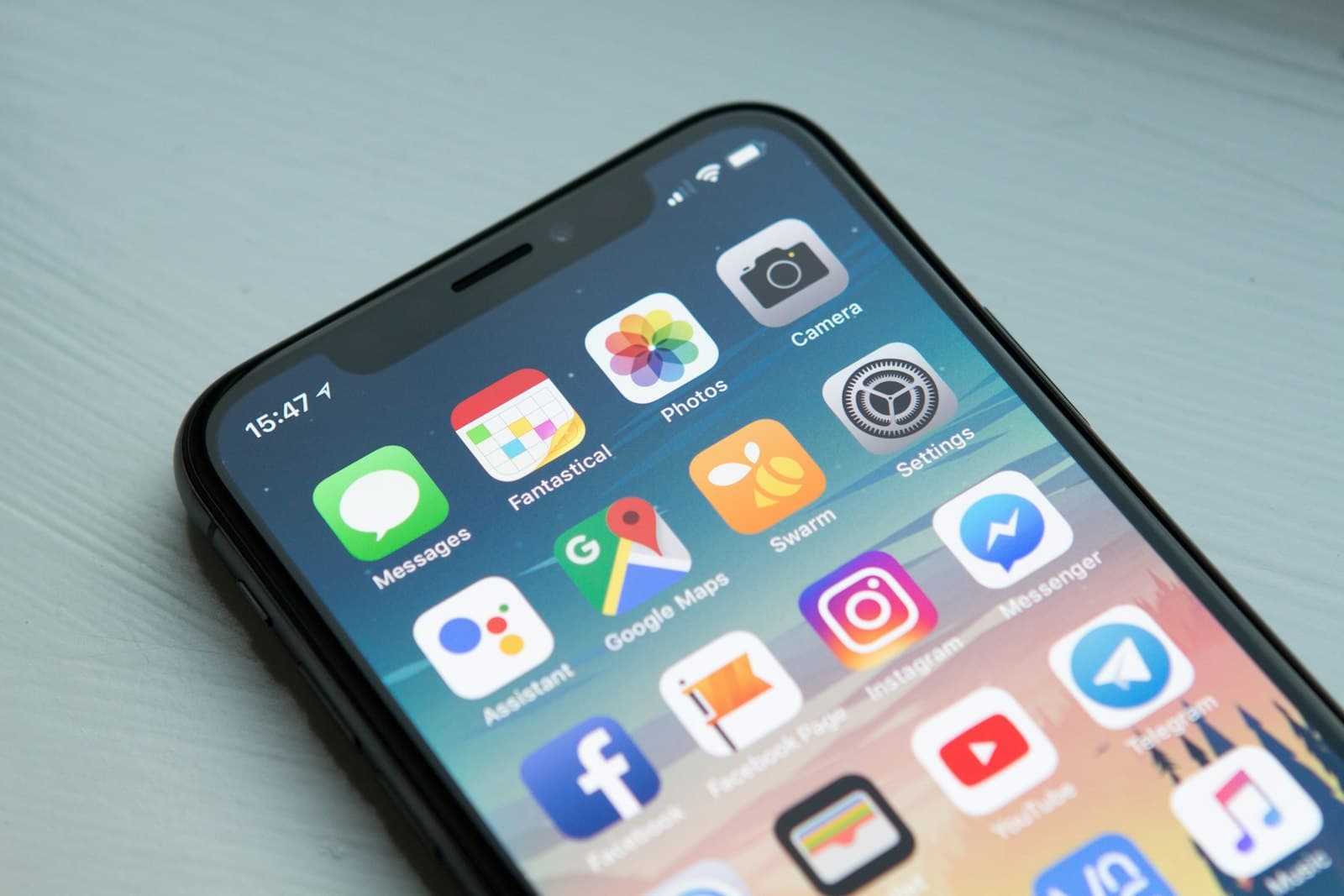
Mobile ecommerce design is the brand at the width of a thumb. The phone page still has to feel like the shop you meant, with the same crop, the same type, and a path a thumb can follow from the object to the price to the bag. A desktop grid that has been squeezed until the type is unread and the pictures are postage stamps is a different store.
People decide quickly whether a page is worth the next moment. Nielsen Norman Group, summarizing research on how long people stay, notes that users often leave within 10 to 20 seconds, and that the first 10 seconds are when they judge whether to stay. On a phone the screen holds less, so that judgment is made on even fewer elements. The first view has to show the object, a way to the price, and a sense of the brand. Twelve tiny tiles do none of those jobs.
The phone is the shop
Founders still approve the wide layout, because that is the screen on the conference table. The sale often happens somewhere else: a sidewalk, a sofa, a thumb moving between tabs. Design the narrow width first. One column. Type you can read without pinching. A primary action that sits where the thumb already is, not in a corner copied from the desktop header.
What stacks is a decision, not an accident. The photograph, the name, the price, and the way into the product stay in that order. A promotional bar, a secondary collection, and a long footer can follow, once the object has had the first screen. If the first screen is a banner, a discount code, and a newsletter, the brand has not appeared yet.
Google’s Core Web Vitals are the speed side of the same decision. For a good experience, Google Search Central’s guidance is an LCP within 2.5 seconds, an INP of less than 200 milliseconds, and a CLS under 0.1. A crop that arrives late, a button that waits on a heavy script, or a layout that jumps when the typeface loads will lose the 10 seconds Nielsen describes. The point of view never gets a chance to register.
Crop and type are the point of view

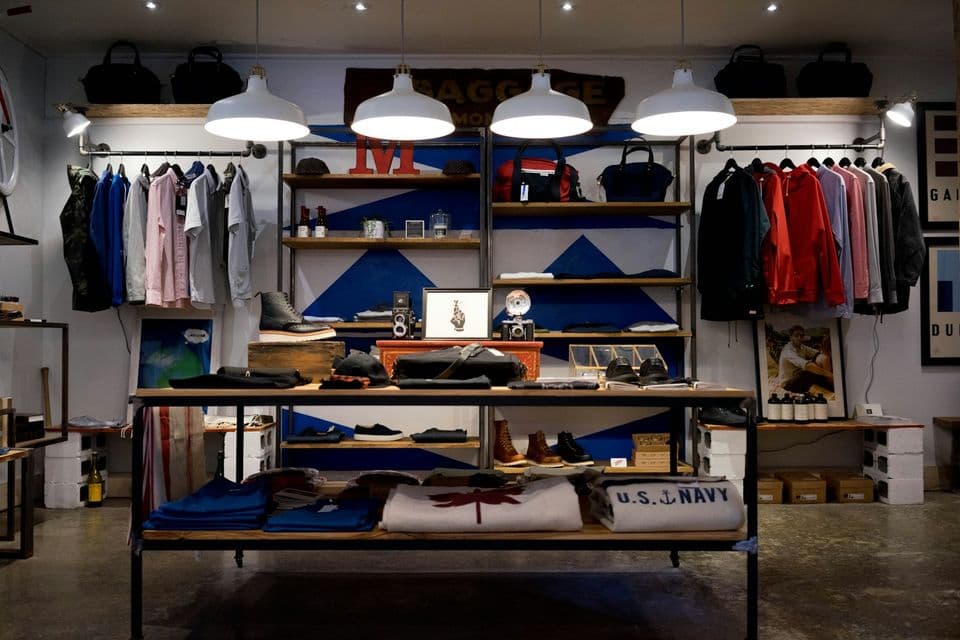
A brand shop is an edited room. Down the Cove, in Hanabi’s public work, is an ecommerce restructure and redesign rather than a marketplace grid. Wabisabi is a calm, tactile brand site. Neither example is a sales figure. They are a reminder of what “a point of view” looks like when the studio is allowed to edit: fewer things, shown with care.
On a phone, that edit is mostly crop and type. A photograph of the material, large enough to see the weave or the edge, with the name and price set in the brand’s type, feels like the shop. A row of mixed thumbnails in a default font feels like an export from the catalog tool. You can keep the brand’s type scale if you reduce the number of sizes, not the conviction. One size for the product name. One for the price. One for the quiet line under it. If the desktop page uses a display face, the phone page uses it once, where it can be read, not six times at a size that breaks the letters.
Background color, margin, and the shape of the buy control should match the rest of the brand. If the marketing site is quiet, the shop on a phone should be quiet. A loud sticker, a bouncing cart icon, and a countdown you do not mean are how a considered brand starts to look like a template it already outgrew.
The thumb’s path
Map the path with a finger, not with a sitemap.
- From a collection: one product fills enough of the width that the material is visible. The name and price sit under it, tappable across the whole row.
- Into the product: the picture can be swiped, the price is still on screen when the thumb reaches for it, and the choice of size or color is next, not buried under a story.
- Into the bag: one control, labeled with the act. “Add to bag” beats a plus icon with no word.
- To checkout: the bag shows the line, the quantity, and a total that is at least an honest estimate.
Filters earn a place when the catalog is long enough that scrolling is unfair. Keep them to the choices that change the object: size, material, color. A full desktop sidebar, shrunk into a drawer of thirty checkboxes, is the old page in a costume. Search belongs on the phone when someone is likely to know the name. It does not need to sit above the first product on a shop of twelve pieces.
A sticky bar can hold the bag or the buy button if it leaves the content readable. If it covers the price or the last line of the description, it is furniture in the way. Test it with the browser’s own chrome visible. The preview in a design file hides the address bar, and the address bar is part of the thumb’s world.
What to cut when the width gets small

Cut things that repeat a fact the first screen already told. A second logo in the footer can wait. A column of trust badges that made sense beside a wide photograph becomes a stack of interruptions. Social icons do not need the height of a product tile.
Modals are the usual failure. A discount popup before the first product, or a newsletter dialog on the product page, steals the 10 seconds the page had. If you need an email, ask after the person has seen the work, or on the confirmation, where the relationship has a reason. Auto-playing video with sound fails the same test. A still image that matches the brand will outperform a clip the person cannot pause with one thumb.
Secondary stories can live one scroll down: care, materials, the maker, shipping in a sentence. They support the point of view. They should not precede the product. The same rule Hanabi uses on a marketing site applies here. Clarity over complexity. The phone makes complexity expensive because there is nowhere to put it beside the point.
A pass you can do without a redesign
Open the shop on your phone, on a cellular connection if you can, and do a single errand: find one product you know and reach the bag.
Watch the first screen. If you cannot name the brand’s mood and see a product, the crop and the type are losing to chrome. Watch for movement that is not you. A jump as images load is a stability problem, and Google’s CLS threshold is the number to aim under. Watch your thumb. If you miss the buy control twice, the path is wrong, even if the desktop version felt finished.
When the phone shop and the brand site feel like two companies, the work is a design and build problem, not a theme setting. Hanabi’s selected work is the public record of shops and brand sites made to feel like one idea.
The wider argument, that a brand shop is an edited room rather than an infinite catalog, is the piece to read next: ecommerce design for a brand, not a marketplace. This page is that room at the width people actually use.
Frequently asked questions
Should the mobile shop be a smaller copy of the desktop page?
Design the phone layout at phone width: one column, type you can read, and a path from the picture to the price to the bag. A squeezed desktop grid loses the crop and the brand’s type. The wider page can follow the same decisions, with more room beside them.
What has to be on the first phone screen?
Show the object, a way to the price, and a visible sense of the brand. Nielsen Norman Group’s research on page visits says people often decide whether to stay within the first 10 seconds. A banner, a discount code, and a newsletter dialog can spend that time before the product appears.
How fast should the mobile shop feel?
Use Google’s Core Web Vitals as the target: largest contentful paint within 2.5 seconds, interaction to next paint of less than 200 milliseconds, and cumulative layout shift under 0.1. A crop that jumps when it loads, or a button that waits on a heavy script, loses the glance the brand needed.
Sources and further reading
- How Long Do Users Stay on Web Pages?, Nielsen Norman Group
- Understanding Core Web Vitals and Google search results, Google Search Central
Written by
Hanabi
Hanabi is a product design and web development studio. The studio writes about clear websites, brand systems, and product interfaces for founders.